
Enrollment Process
Promoters join your program by opting in when they leave a review...
or upon manual enrollment by your business.
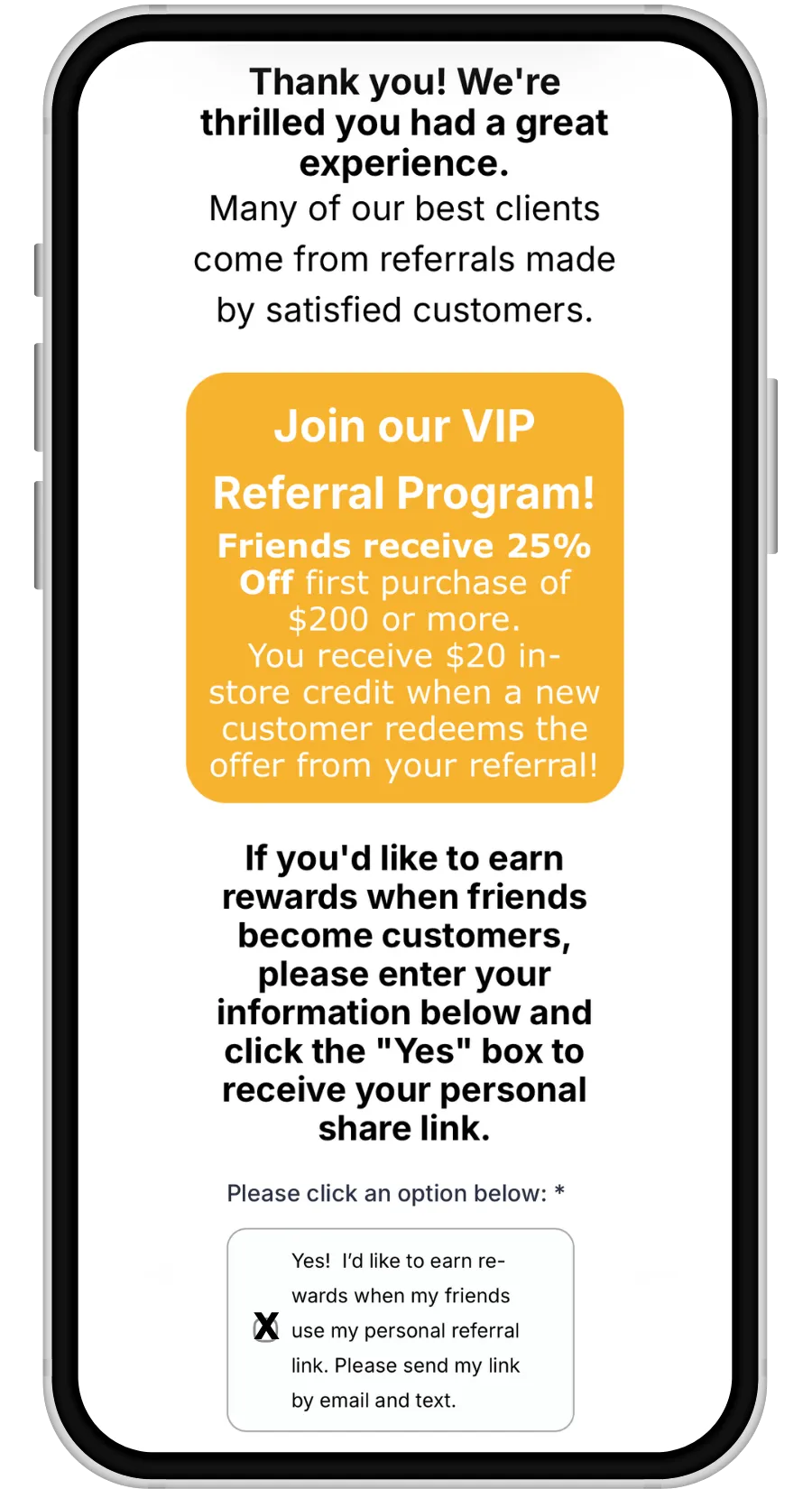
New Promoters are enrolled when they "OPT-IN" while leaving a review.
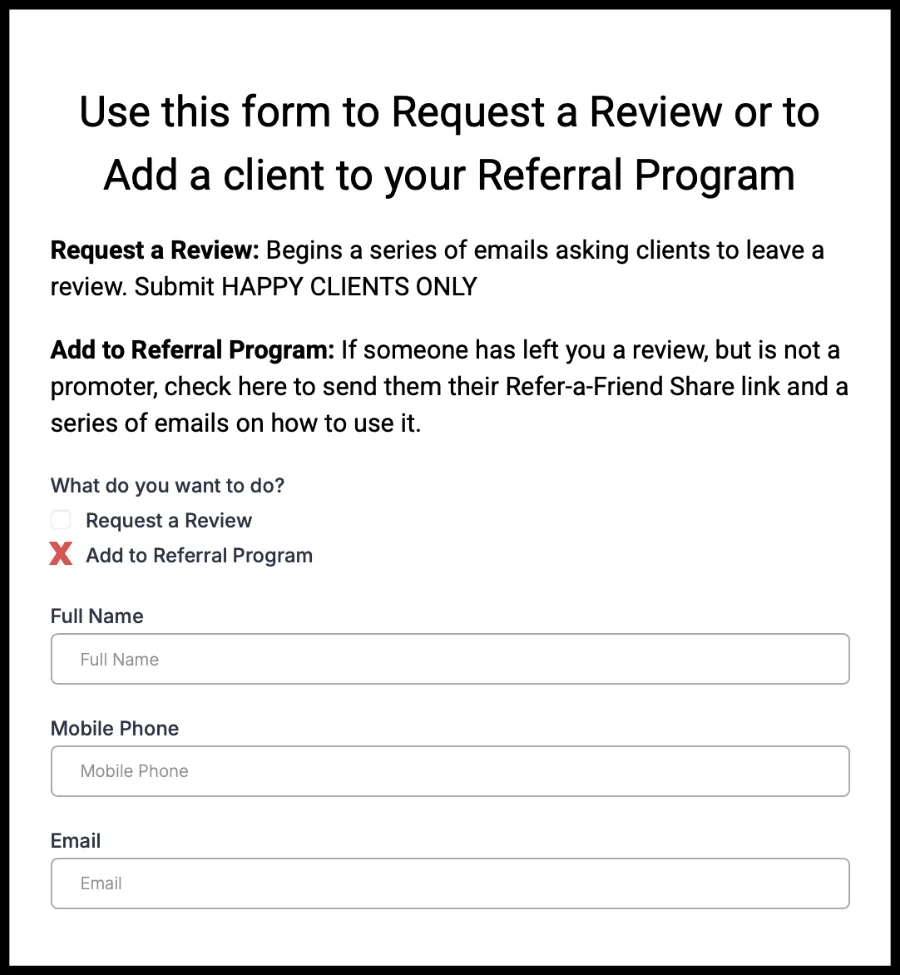
Your staff can use this form to automatically add a promoter to your program.
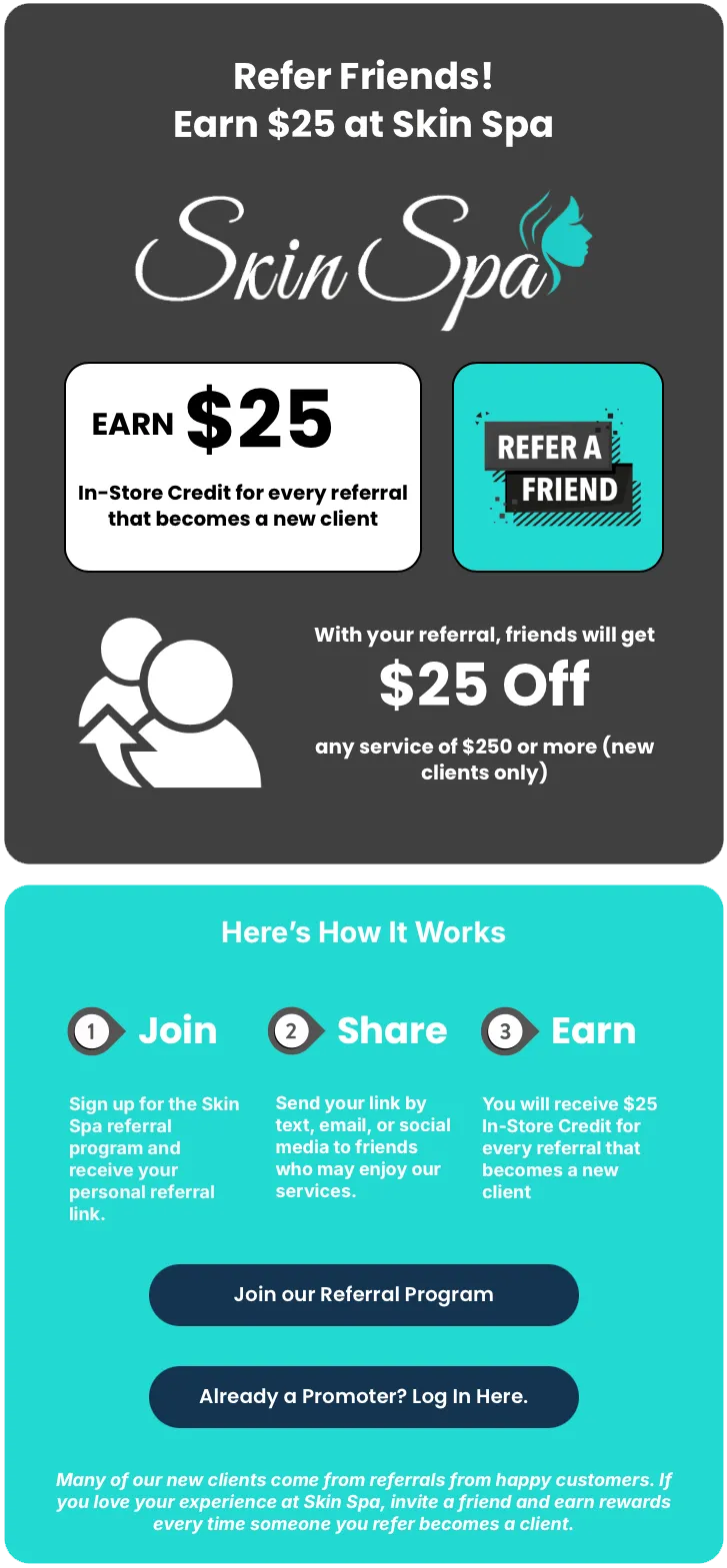
Clients can sign up by clicking the link on your Refer-a-Friend webpage.
Upon enrollment, the promoter will receive a their reward link by email and text.
Over the next several months, the Promoter will receive a series of messages explaining how to use their Reward Link and encouraging them to share your business.
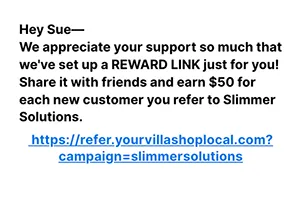
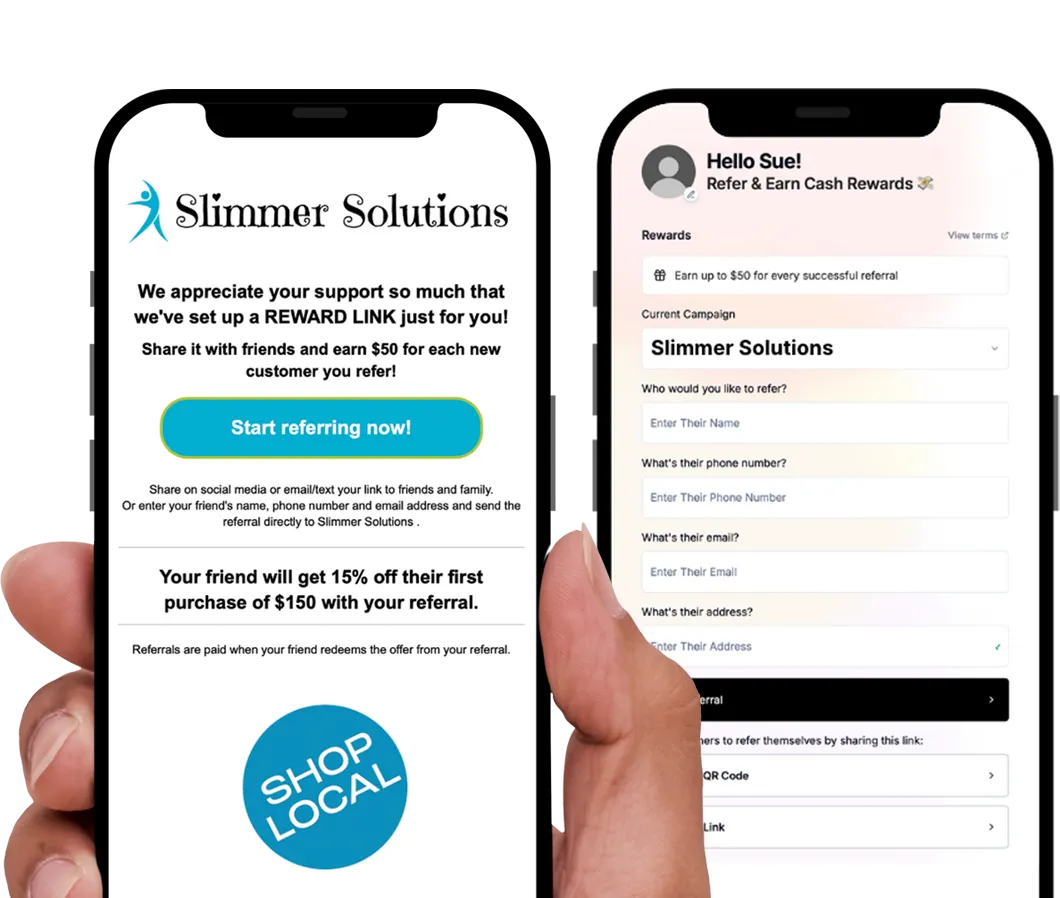
Promoter sends referral to friend by SMS
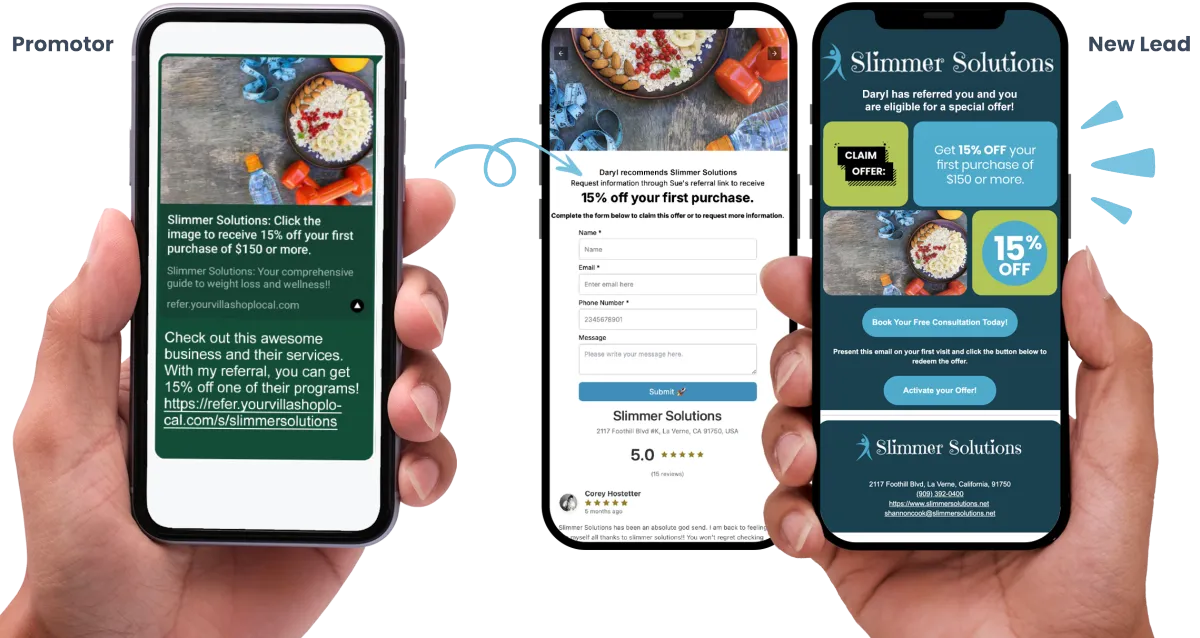

REFERRAL PIPELINE: New Lead, Claim Offer, Authorize Reward
New Referrals begin here...
The Promoter shares your business via SMS, email or a post on social media.
Lead Form / Direct Referral
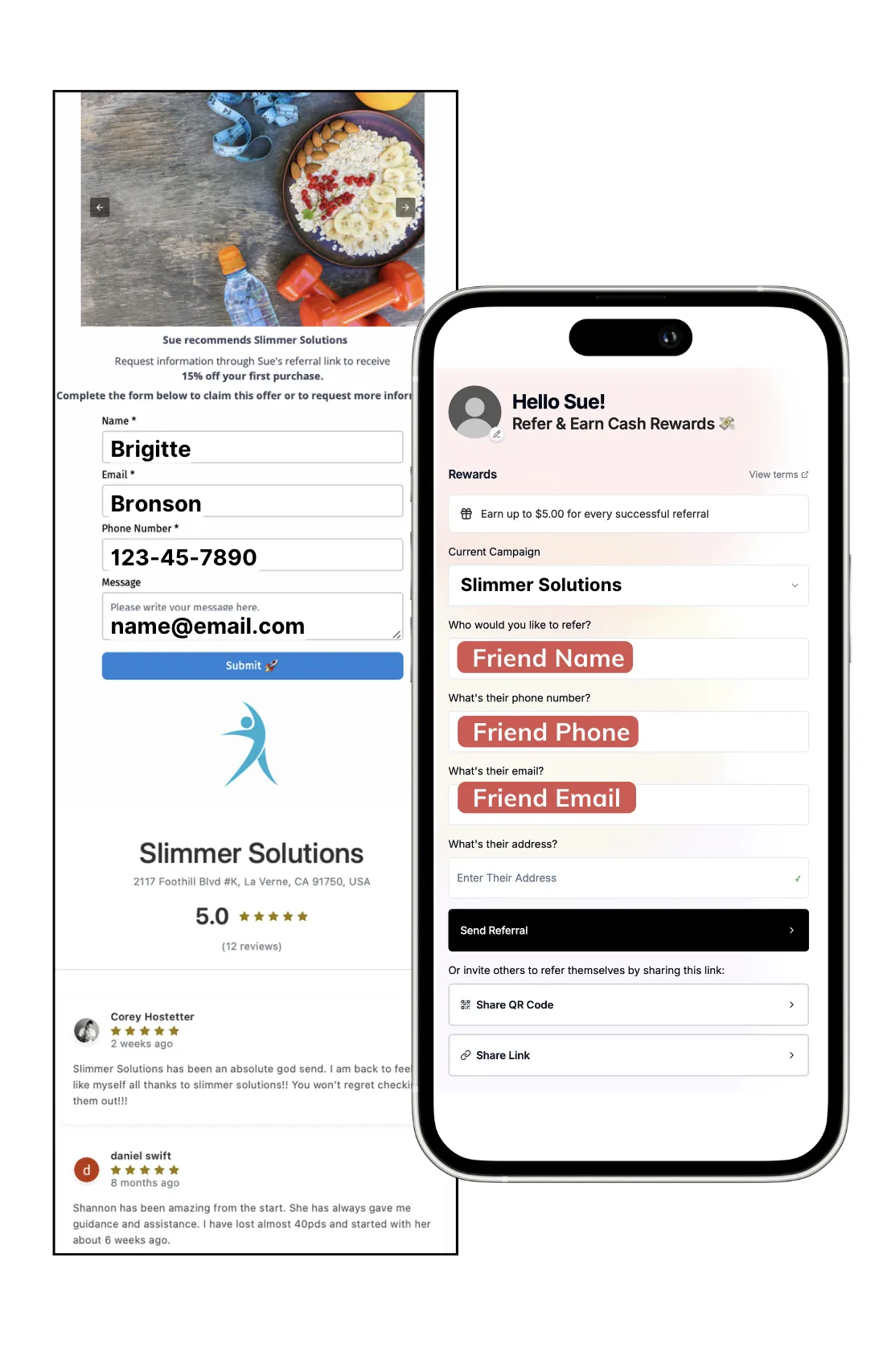
The referred friend completes the lead form or is referred directly to your business. When the lead form is submitted, the referral will automatically show up in your Referral Pipeline.
Claim Offer / Offer Activation
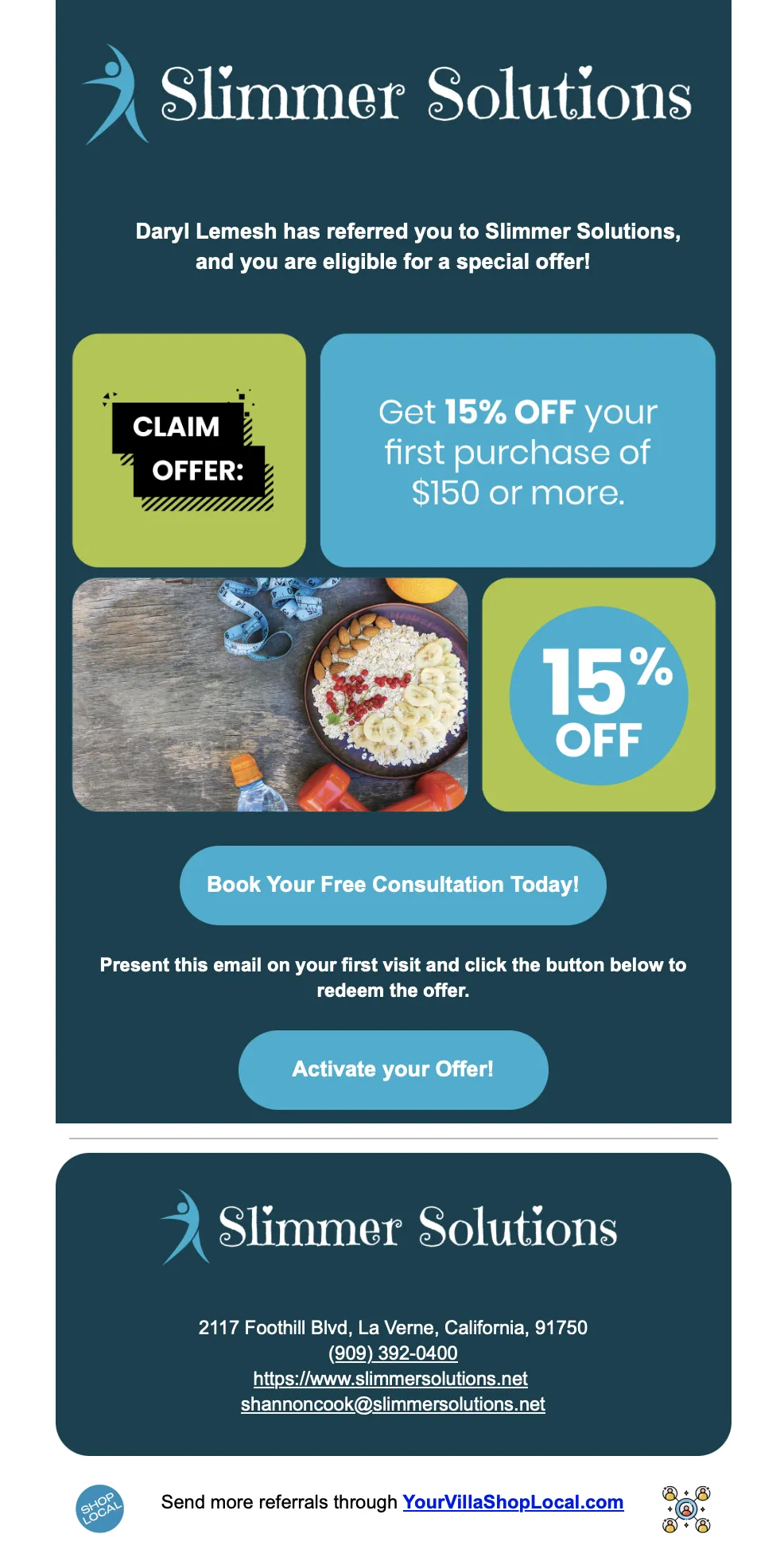
New client presents the Claim Offer email or SMS message to redeem their discount. Ask them to "Activate Your Offer" which automatically moves the lead to "Offer Activated."
Authorize Referral Reward
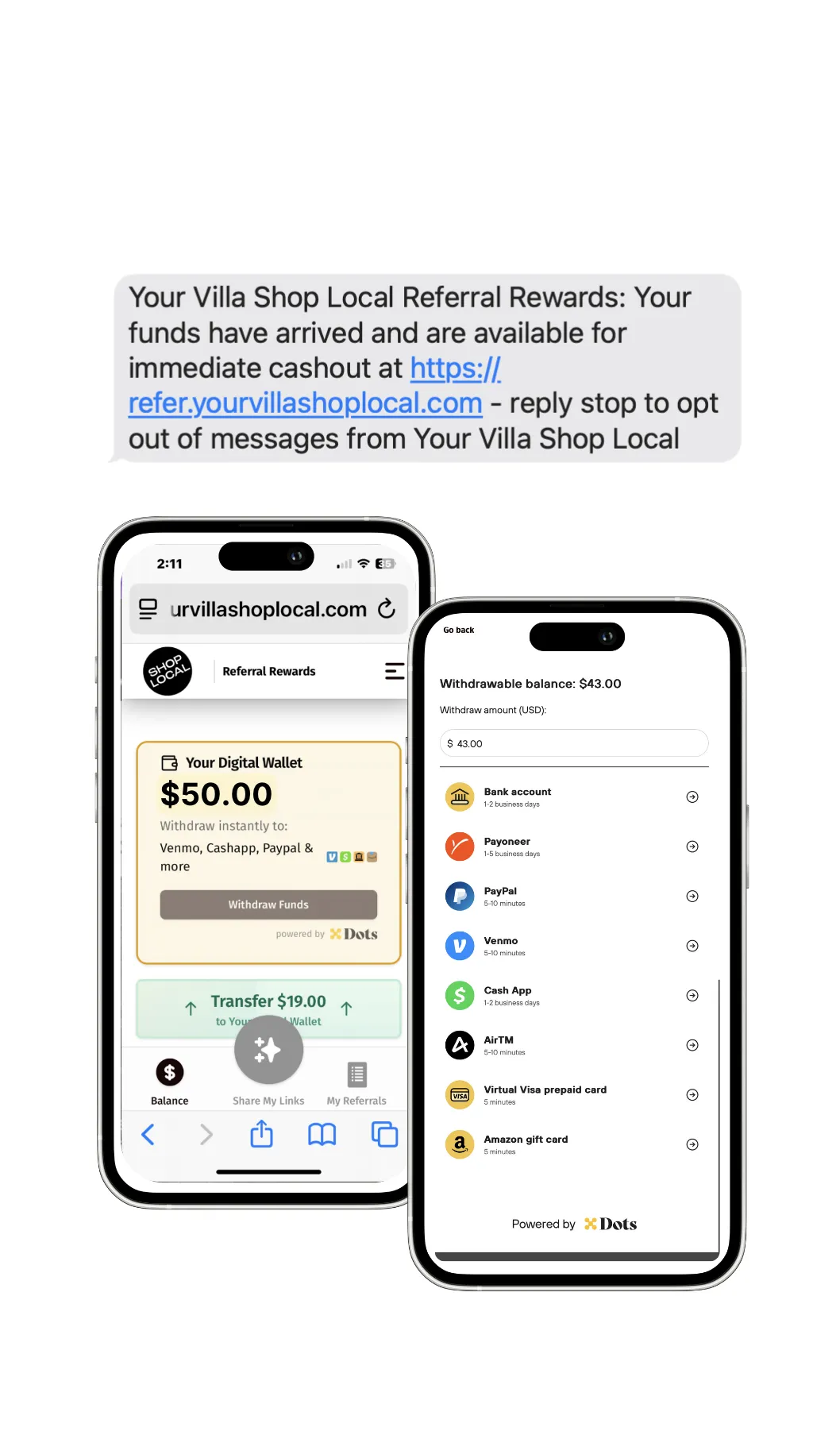
When you Authorize the Referral Reward, your credit card will be charged for the Referral Reward + $1 =10%. The Promoter will be notified of their earnings and they can cash out in the Promoter App.
Add "Refer-a-Friend" link to your Webpage
The more places people see your referral program, the more referrals you'll receive.
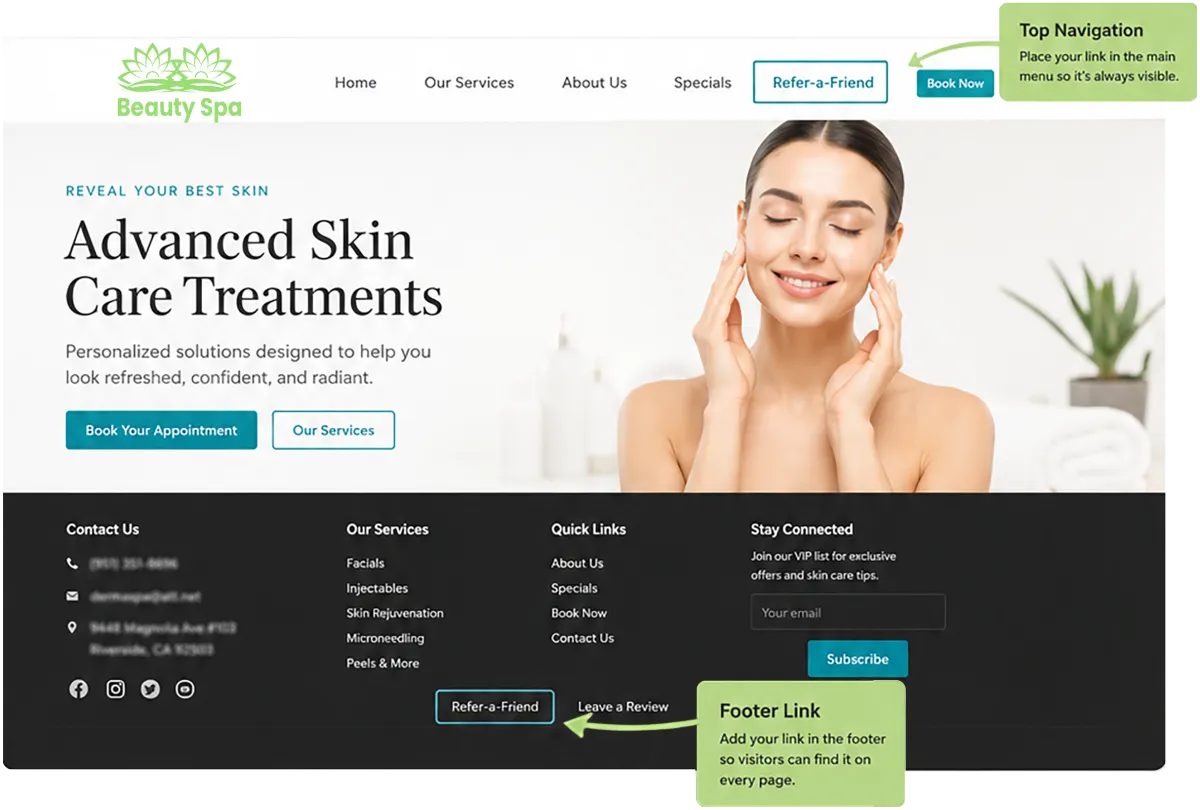
TOP NAVIGATION
Place your link in the top navigation so it's always visible.
FOOTER LINK
Add you link in the footer so visitors can find it on every page.
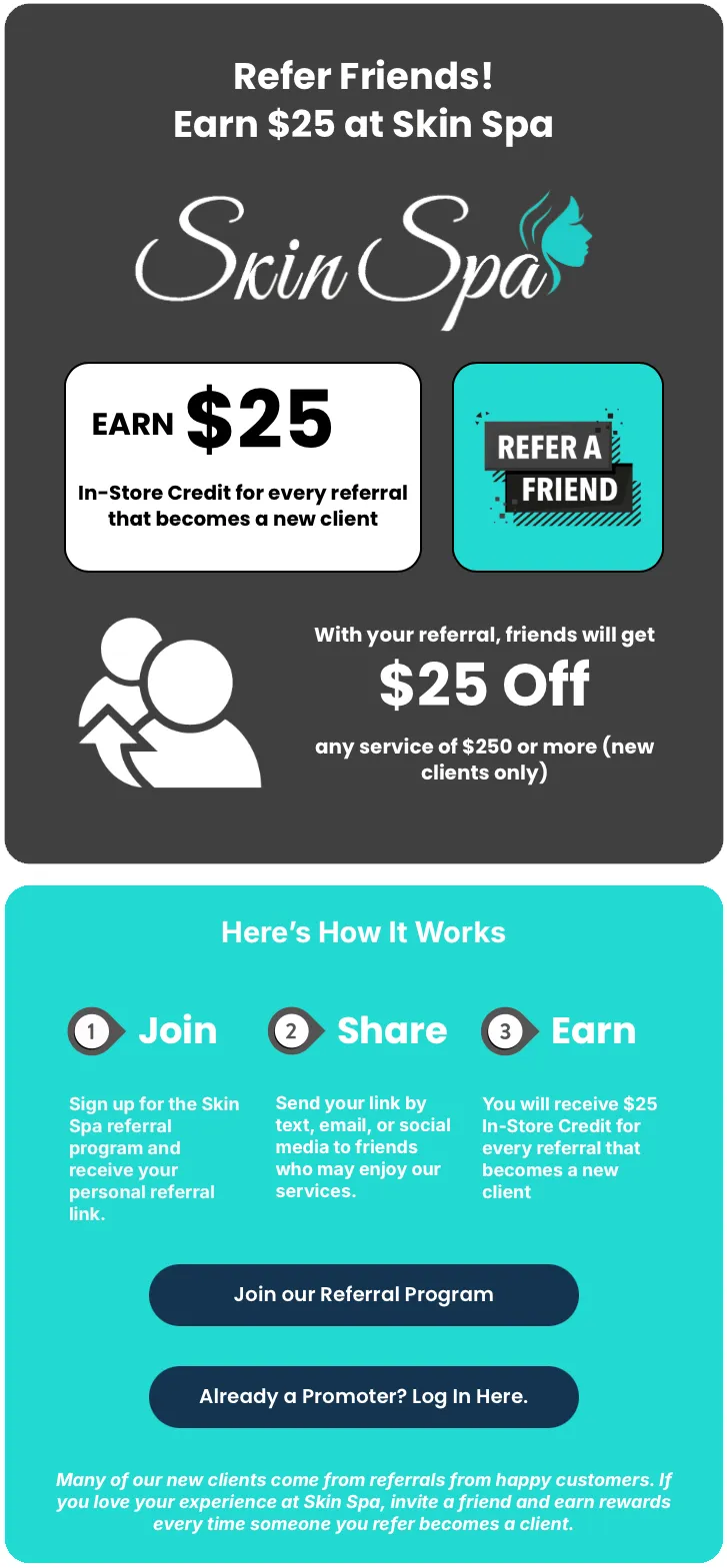
Link goes to your Refer-a-Friend Webpage
Add the ShopLocal App to your Homescreen
Save the Promoter App to your Homescreen for quick and easy access.
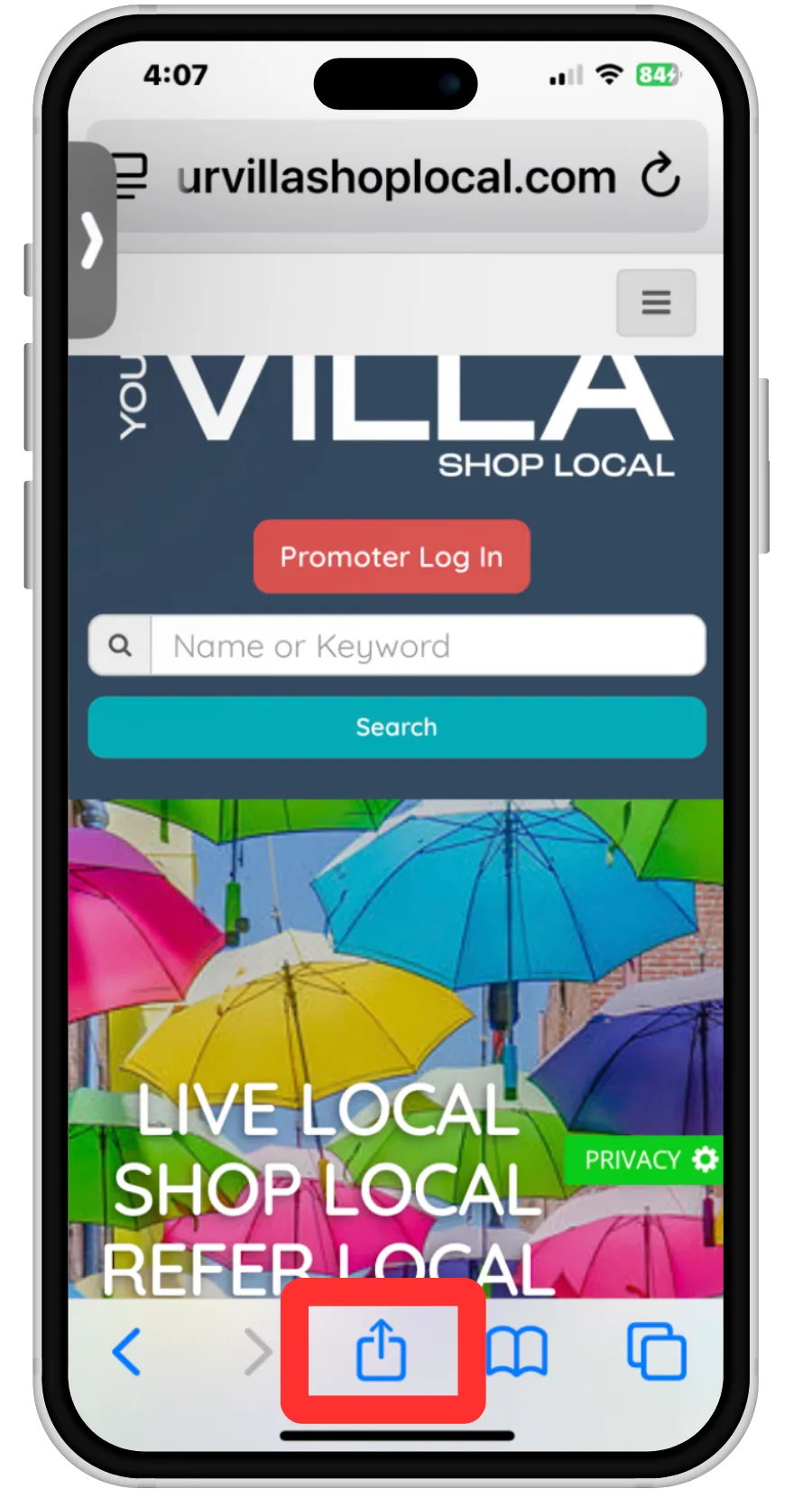
1. Go to YourVillaShopLocal.com
Click the blue up arrow at the bottom of the screen
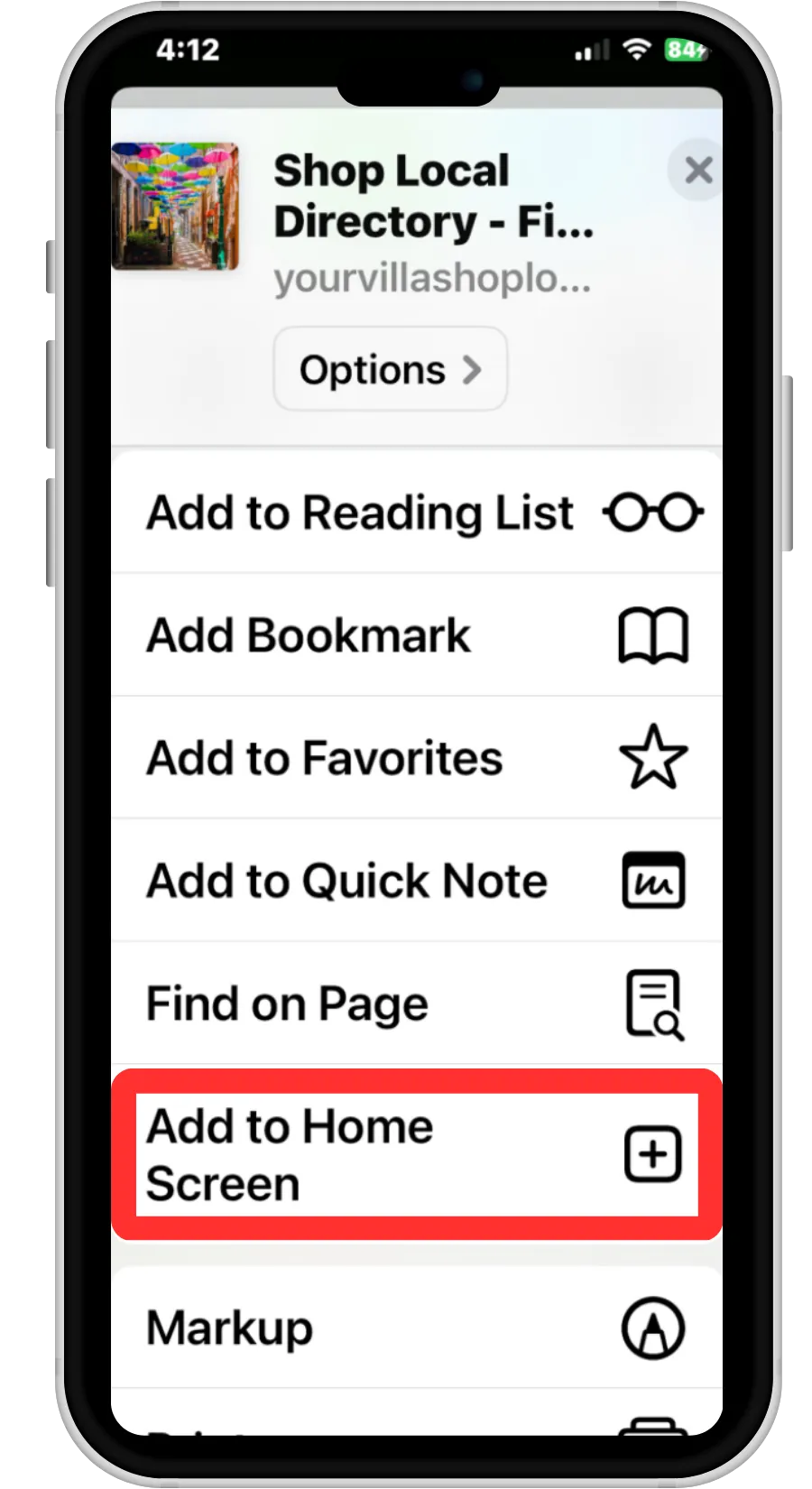
2. Scroll Down
Click "Add to Home Screen"
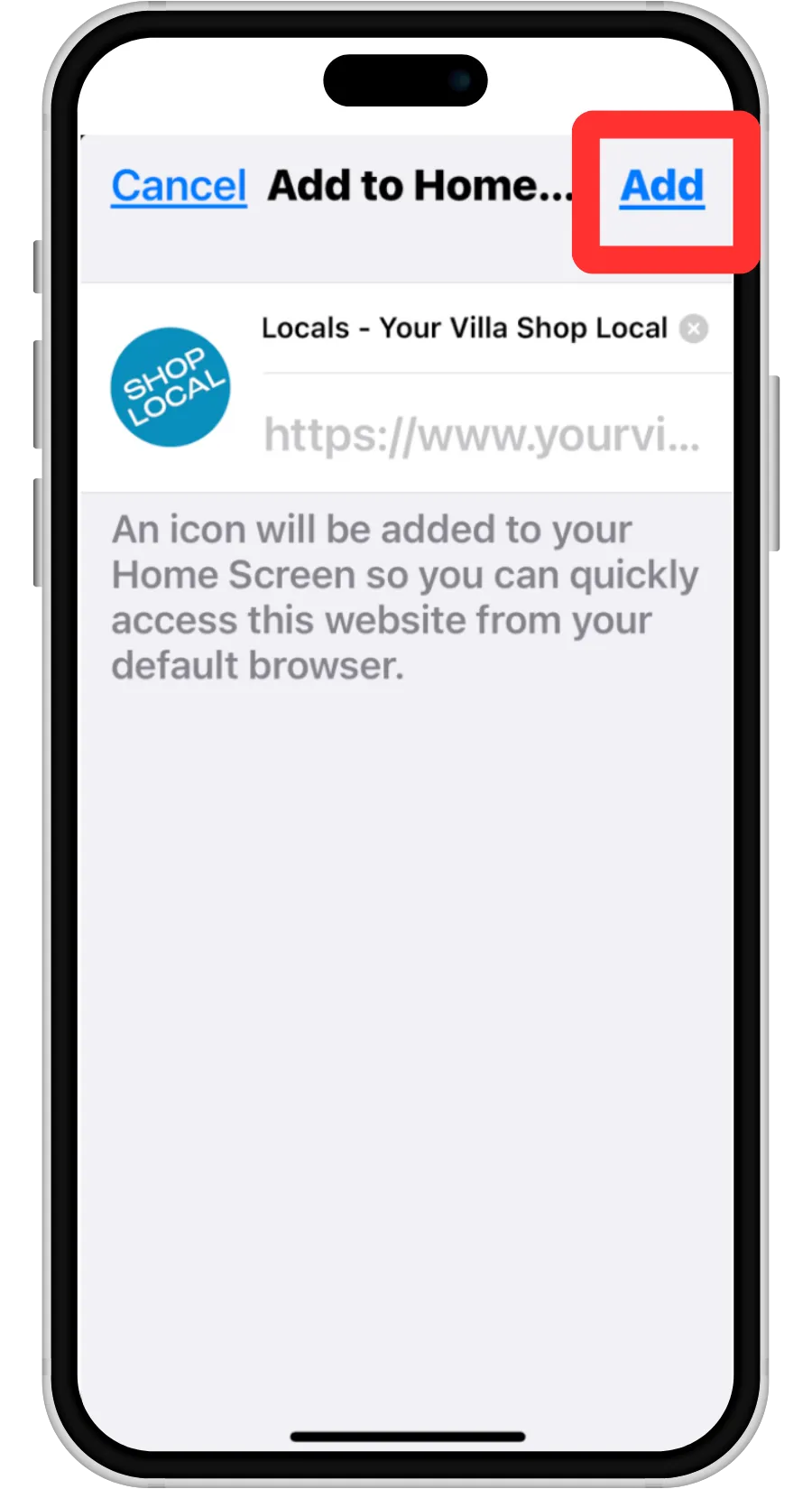
3. Click Blue "Add" Button
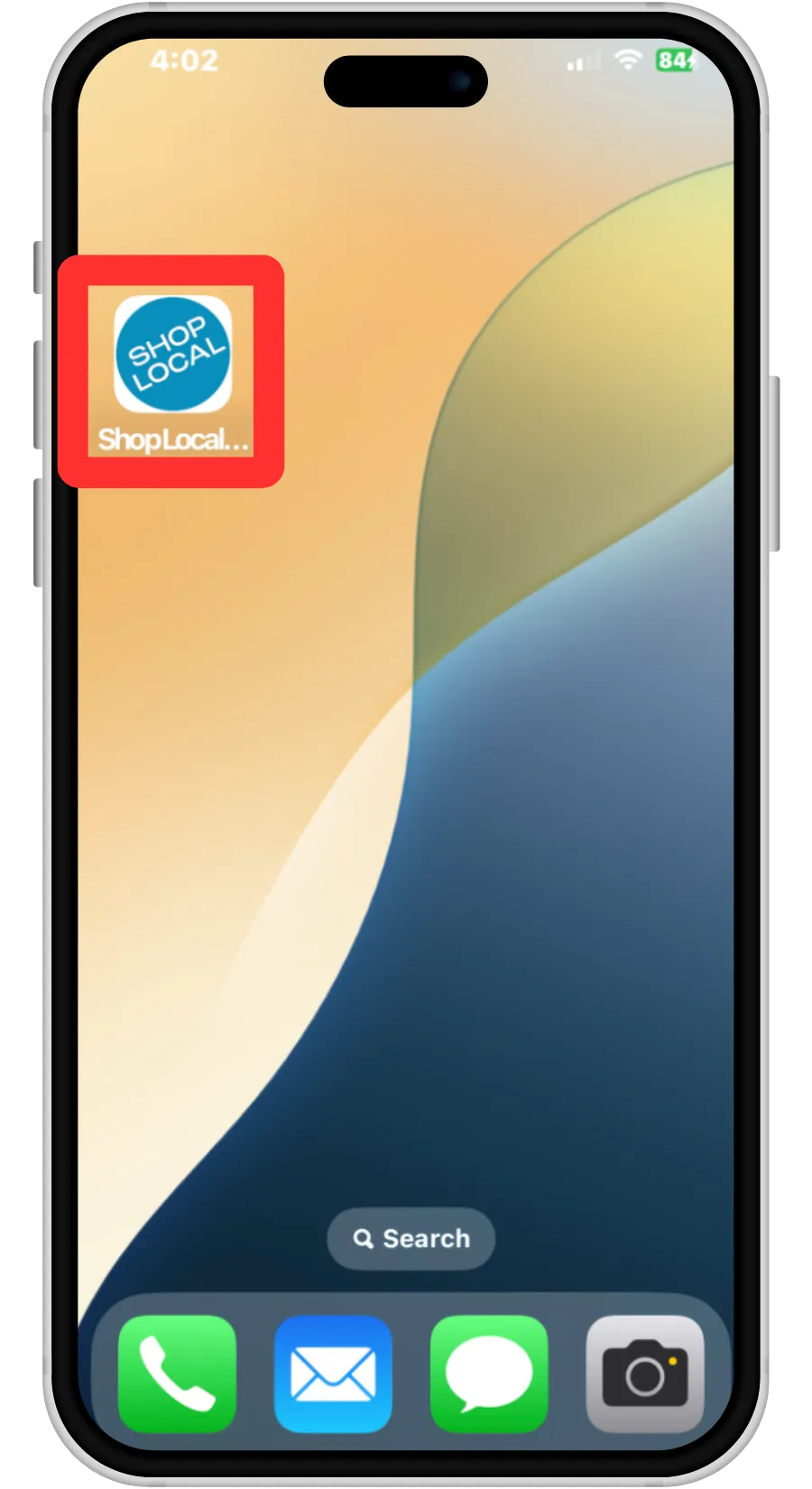
4. The ShopLocal App will now show on your homescreen
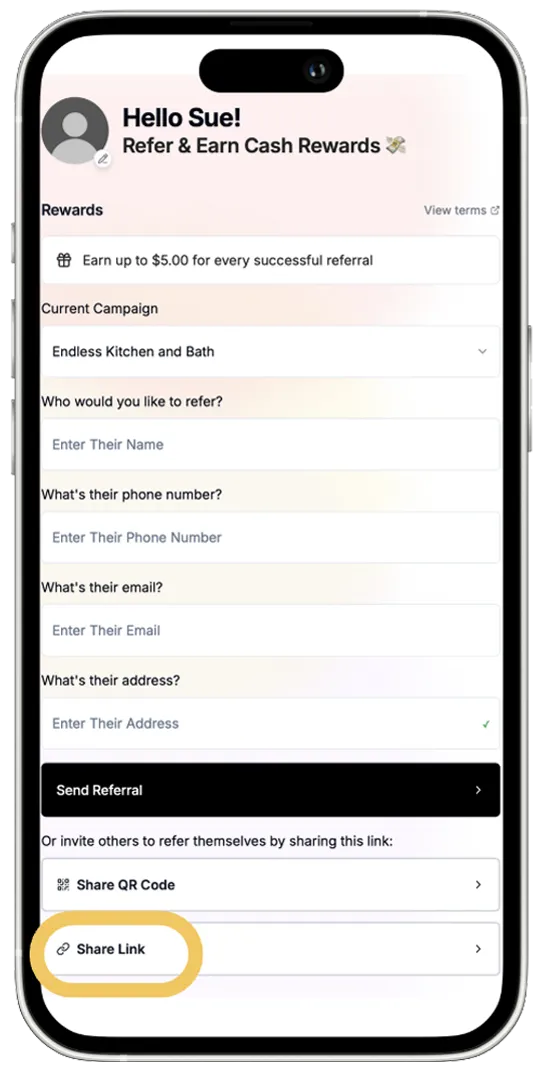
Your promoters can easily share your business and earn rewards with the ShopLocal Promoter App.
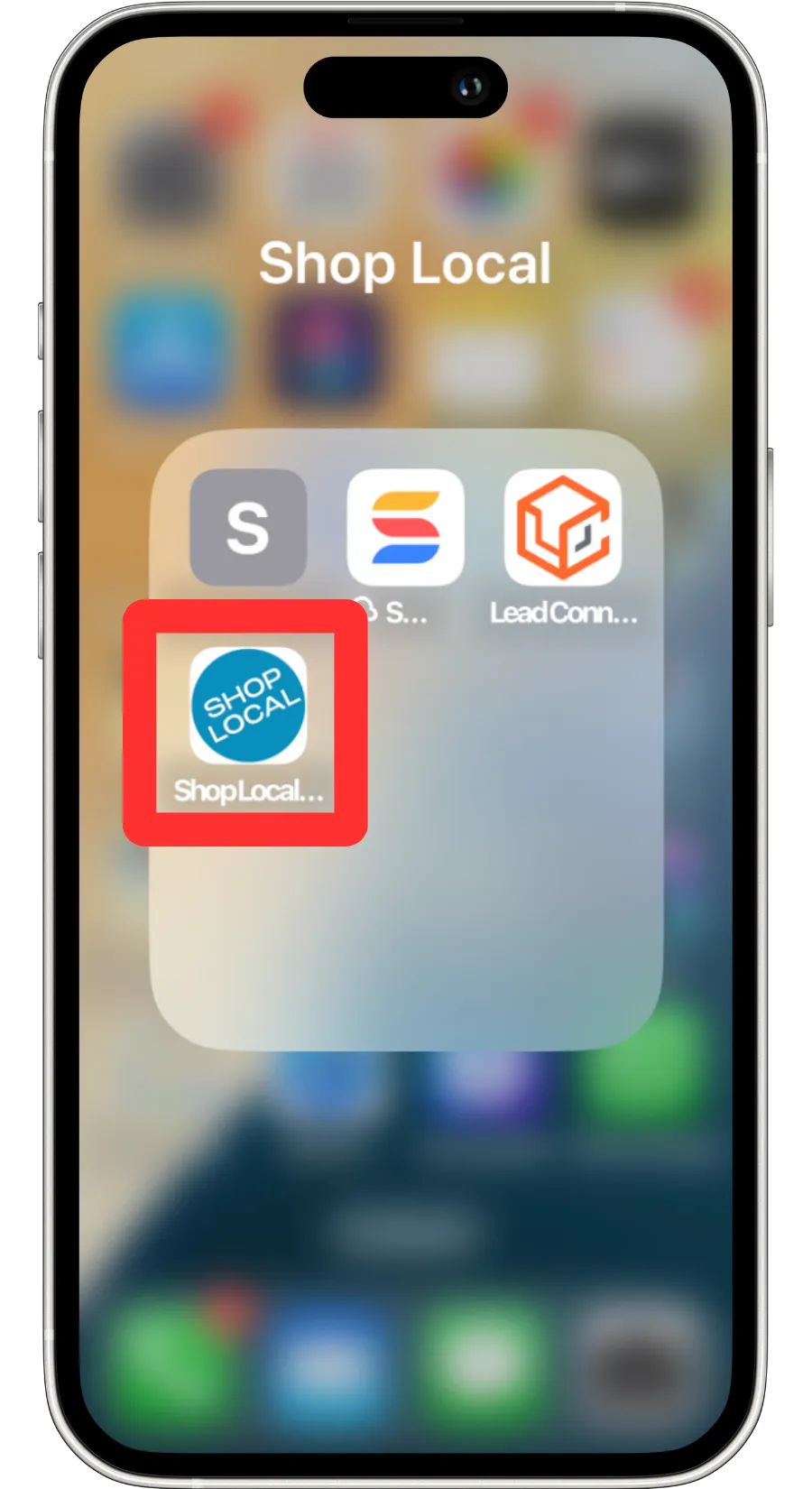
The Promoter App can be saved to your Homescreen for easy access.
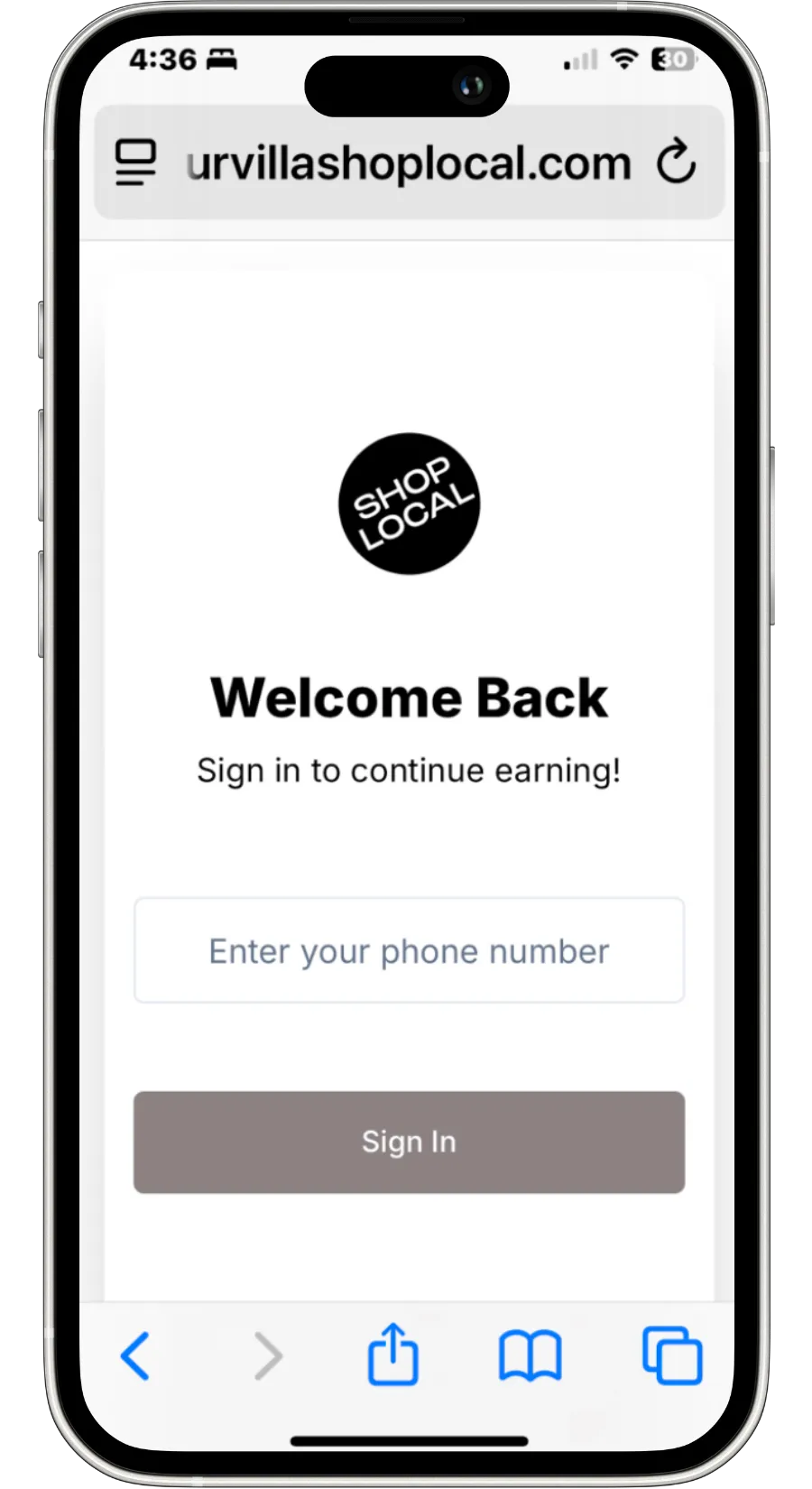
Use your mobile number to log in. No Passwords required.
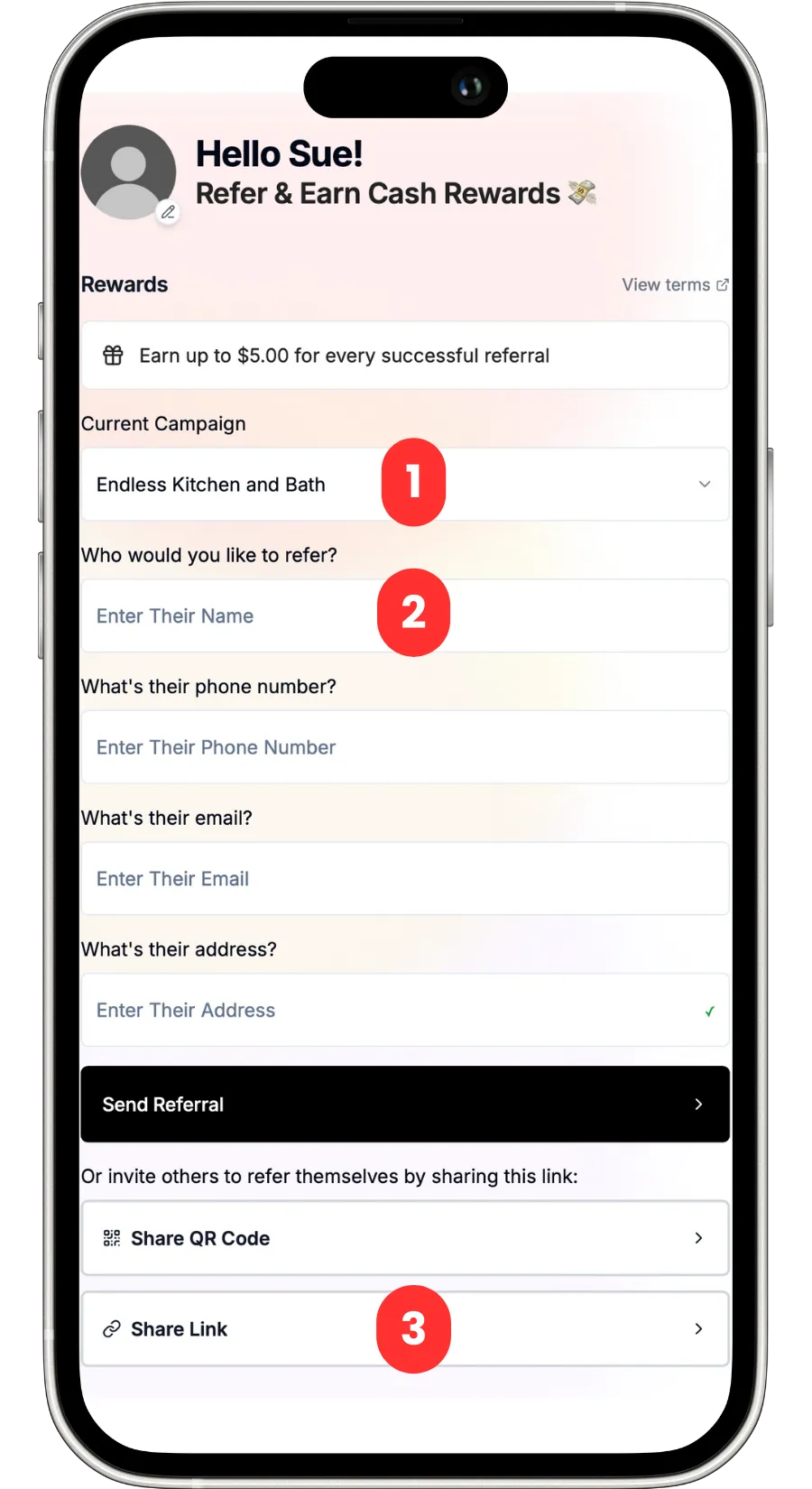
1. Select your Campaign
2. Send a Direct Referral or
3. Share your Referral Link.
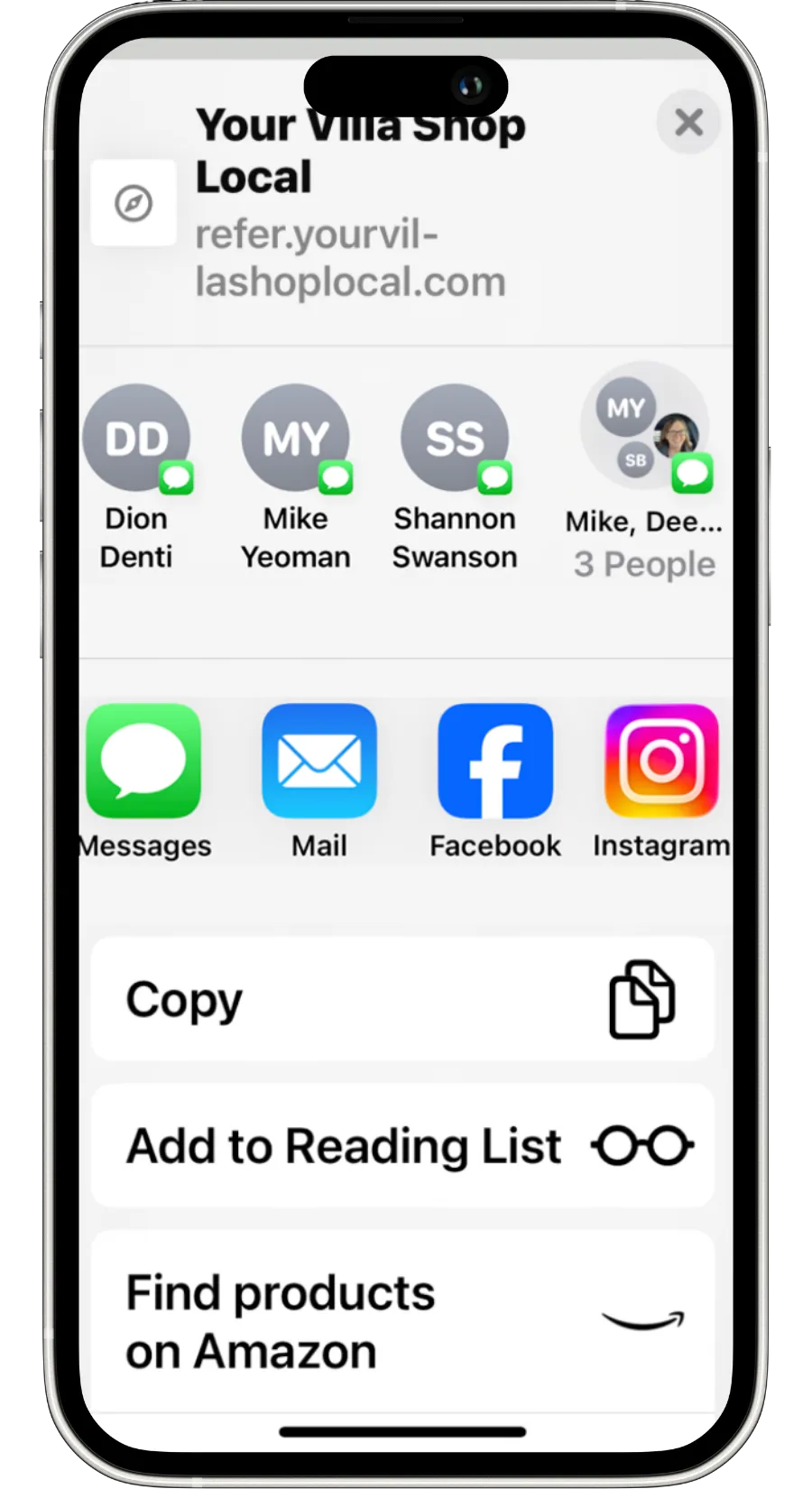
Referral Links can be shared via text, email or to your favorite social media platform.

Example Referral sent via text. The sender can include a personalized message when sharing the link.
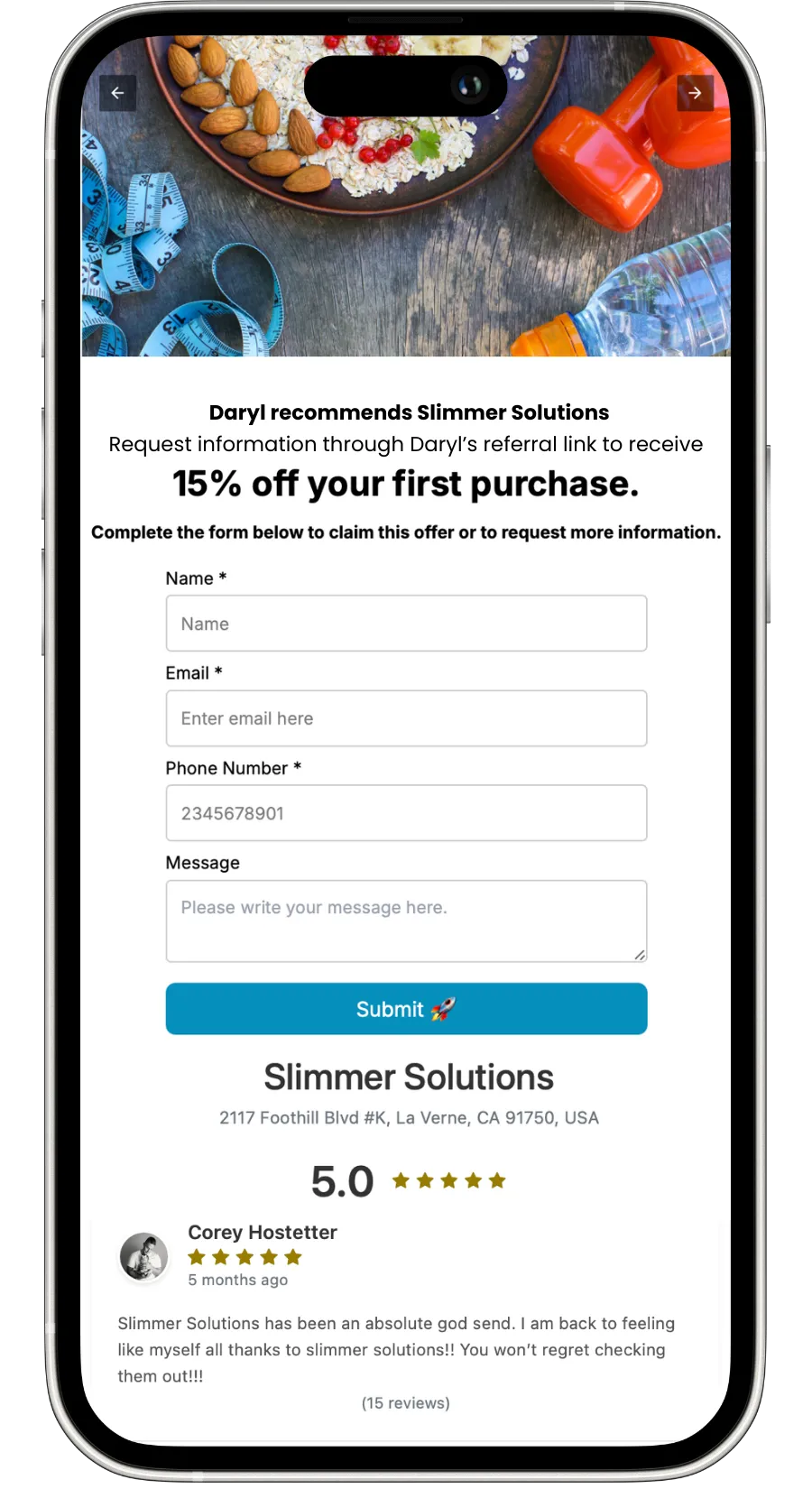
When a new referral completes the lead page, they are added to your referral pipeline.
Testimonials

John Doe
Lorem ipsum dolor sit amet, consectetur adipiscing elit, sed do eiusmod tempor incididunt ut labore et dolore magna aliqua. Ut enim ad minim veniam, quis nostrud exercitation ullamco laboris nisi ut aliquip ex ea commodo consequat.


Jane Doe
Lorem ipsum dolor sit amet, consectetur adipiscing elit, sed do eiusmod tempor incididunt ut labore et dolore magna aliqua. Ut enim ad minim veniam, quis nostrud exercitation ullamco laboris nisi ut aliquip ex ea commodo consequat.